


Area Maps & Visual Layers

Visualize success with maps that dig a lot deeper.
Our collection of current maps and visual layers helps you find the property information you need, wherever you need it, at warp speed. Our area maps are high-res and interactive, and are exportable into your own documents and applications. Our extensive visual layers help you see the bigger—as well as more detailed—picture of your area of interest. With ParcelQuest, you don’t need to know California like the back of your hand, because we already do.
sign upArea Maps
Interactive Street & Aerial Maps
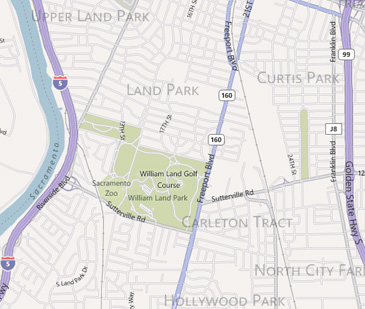
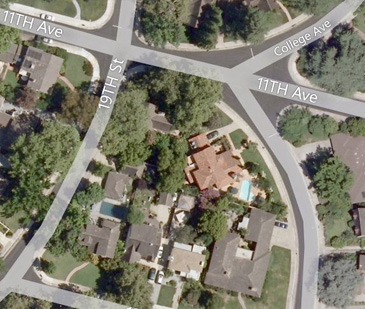
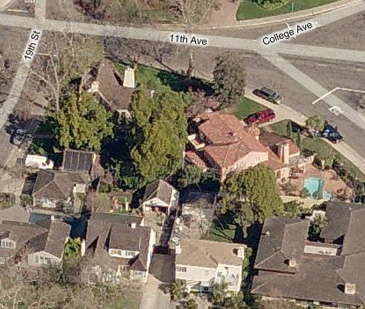
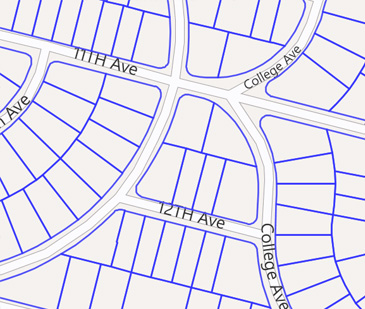
Know the area of interest but don’t have an exact physical address? View the results of your search displayed on the road, aerial or street map view within PQ Online. The parcel's boundary, physical address and ownership information will immediately pop up at the click of a mouse, too.
Drawing Tools
With PQ Online, you'll have the ability to draw shapes, see latitude and longitude readings and even measure custom drawn lines or areas right on the interactive map.
-
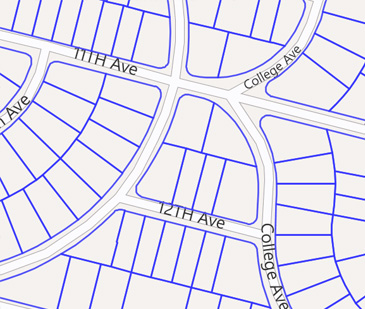
See the boundary lines of selected parcels
-
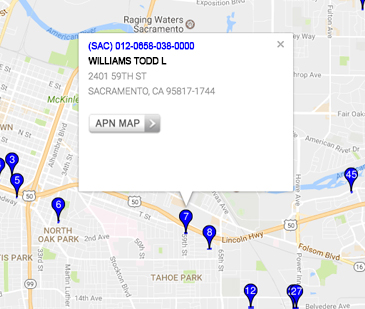
Display address and ownership info in a pop-up window
-
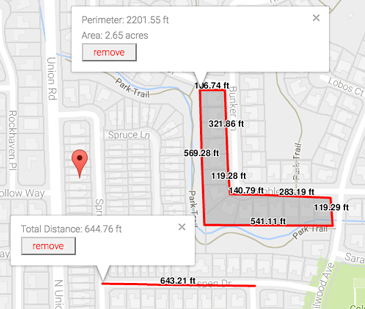
Draw, measure and edit custom shapes
-
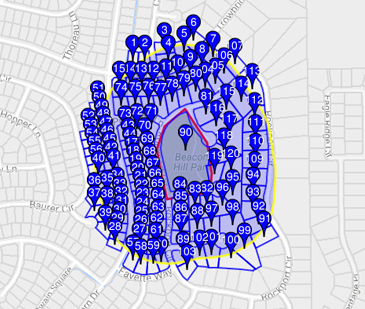
Perform a buffer search based on a custom drawn shape
-
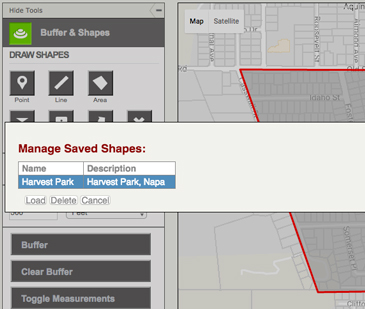
Save and load custom drawn shapes for future buffer searches
Buffer Search
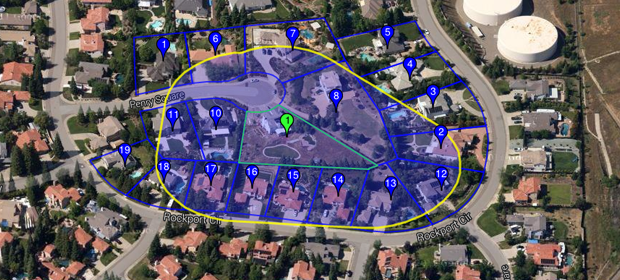
Search by proximity to your subject property in feet, meters or miles. Search by parcel or draw a point, a line or a polygon on the map. Need to send out a mailer or notification? A buffer search will ‘activate’ all of the parcels next to your point or parcel of interest based upon the distance of your choosing.
Visual Layer Library
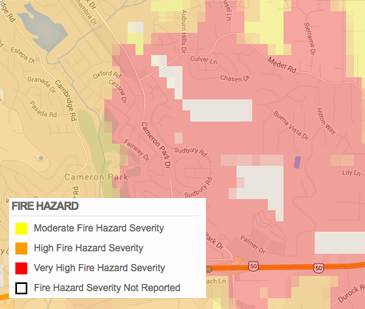
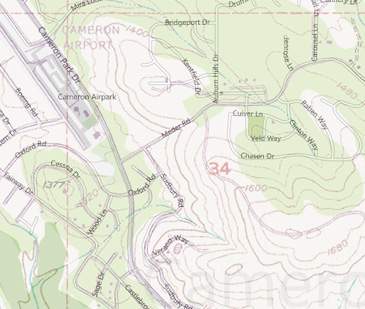
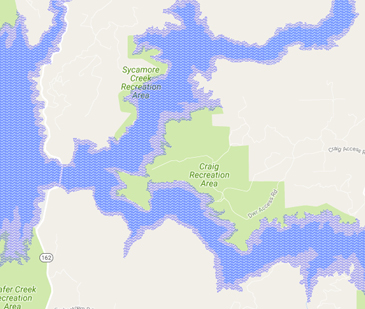
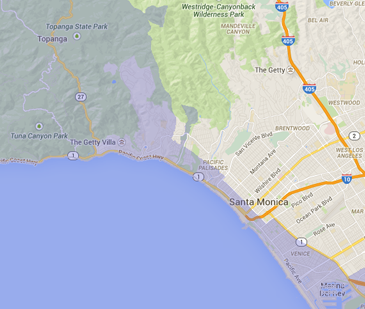
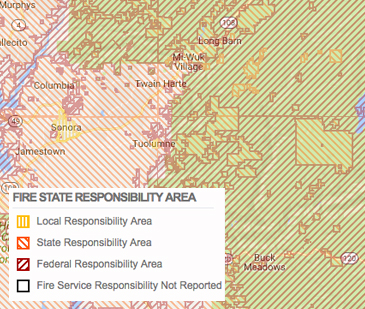
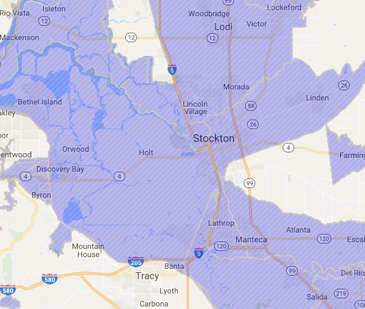
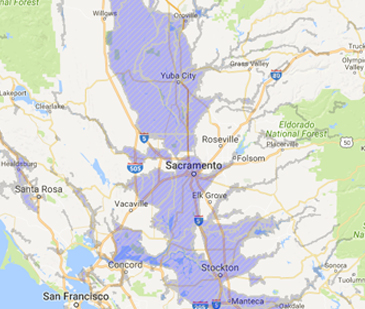
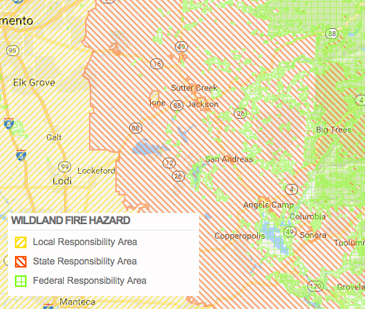
Our visual layers can be added on top of an aerial photo or street map to display additional information about your parcel or parcels of interest. We offer an incredibly vast library of visual layers to overlay on top of our interactive maps, from fire and flood zones to topography and section boundaries.
ParcelQuest also collaborates with state and federal agencies to provide you with the most accurate layers around. Don’t see the layer you need? Just let us know, we’re always looking to add more.
Our visual layers include:
- Road maps
- Aerial photos (both orthogonal and oblique)
- Parcel boundaries
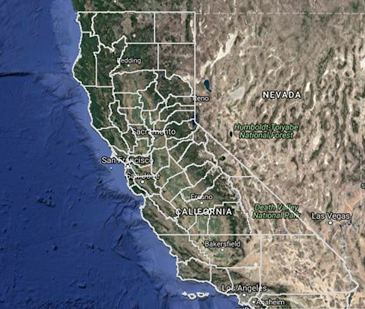
- California county boundaries
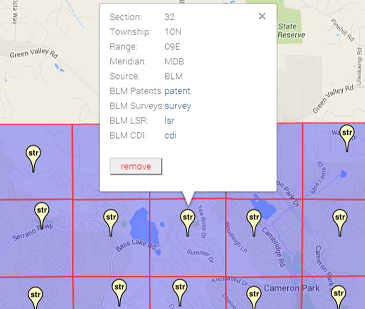
- Section, township and range boundaries – Public Land Survey System (PLSS)
- Fire Hazard zones – CalFire
- Topographical or “quad” maps – U.S. Geological Survey
- Flood Hazard – Federal Emergency Management Agency (FEMA)
- California Coastal Commission jurisdiction boundaries
- Fire State Responsibility Area – CalFire
- Dam Inundation – CA Emergency Management Agency (CEMA)
- Earthquake and Seismic zones – (CaGS)
- Wildland Fire Hazard zones – United States Forest Service
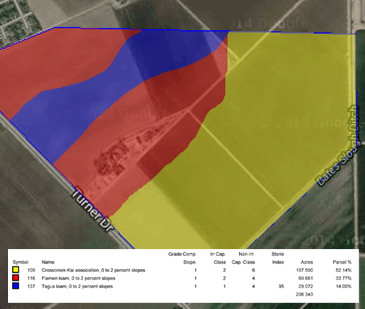
- Soil Surveys – US Department of Agriculture (USDA)
Other Features
-

Parcel Search
Find all the property data you need with just an APN or address.
learn more → -

APN Maps
Our parcel maps are high-resolution, interactive, exportable, and measurable.
learn more → -

Property Owners
Verify ownership data, addresses, and multiple properties with one click.
learn more →